Key Takeaways
- Permissions are identity based and follow the worker, not the device.
- All users on a channel have both listen and transmit rights.
- Admins manage channel membership but are not automatically added to all channels.
- Translation and transcription are universal features for all users.
- Mass alerts and user management are permission controlled.
- Audit trails and multimedia visibility are consistent for all users in a channel.
- Multi site governance supports both local and enterprise level structure.
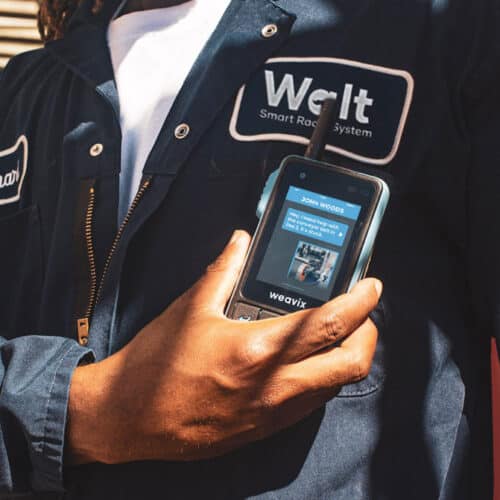
Permissions and channels in the Walt Smart Radio System by weavix are governed through identity based roles assigned inside the platform rather than settings stored on a device. Every Walt device is identical at the hardware level. User permissions, channel access, and feature availability follow the individual who logs in, ensuring consistent control across shifts, departments, and sites. This structure streamlines communication, reduces unnecessary radio chatter, and provides workers only the access they need.
How are communication channels governed?
Users gain access to specific channels based on their role or group membership. Supported channel types include:
- Department channels
- Cross functional channels
- Emergency channels
- Lead or supervisor channels
- Broadcast channels for mass notifications
Every user placed on a channel has both transmit and listen rights for that channel. Administrators have global administrative access to manage who is added to channels, but administrators are not automatically added to every channel.
This structure streamlines cross departmental communication and prevents exposure to unnecessary communication that does not support the worker’s role.
How are feature permissions controlled?
Certain features are universal for all users, and others are permission controlled.
Universal features that cannot be restricted:
- Translation
- Transcription
Permission controlled features include:
- Sending mass alerts
- Managing users
- Administrative controls
A user who does not have permission to send multimedia can still receive and view photos or videos if they are part of a channel where that content is shared.
How does identity based authentication work?
Users authenticate through:
- NFC badge
- NFC sticker
- QR code
- Phone number or email based login
Once authenticated, the user’s permissions are applied to any Walt device instantly. No sensitive settings live on the device, and a lost device does not compromise system security. Logging out returns the device to an inactive state until the next login.
How are administrative permissions handled?
Administrative permissions control channel configuration and user governance. Administrators can:
- Add or remove users from channels
- Assign or modify user roles
- Grant or revoke permissions such as mass alert capability
- Manage authentication credentials including revoking a badge or deleting a user
Supervisors may receive these permissions depending on company preference, but supervisors do not receive them automatically.
How does the system support audits and compliance?
All users in a channel see the same:
- Transcript history
- Multimedia attachments
- Recorded communication
Users cannot modify or delete communication logs. This ensures audit ready documentation for safety reviews, investigations, and regulatory reporting.
How does the system support multi site governance?
Organizations can structure permissions for:
- A single site
- Multi site management
- Enterprise level oversight
This helps large operations maintain control over communication access while supporting broader collaboration when required.